

Entering the Lucky Draw
Use your points for a chance to win a prize.
-
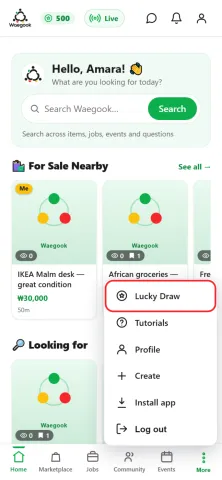
Step 1From the home screen, tap “More”, then “Lucky Draw”.
-
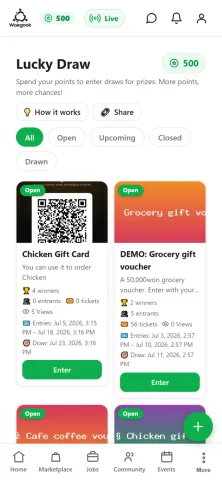
Step 2See the current prizes. Your points balance is shown at the top.
-
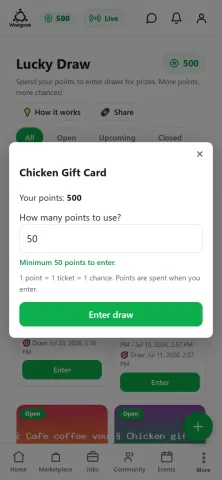
Step 3Tap “Enter” on a prize, then choose how many points to spend. 1 point = 1 ticket = 1 chance.
-
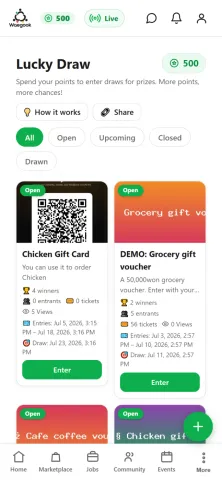
Step 4Winners are drawn automatically at the draw time and notified. Tap “How it works” any time for details.